Sunday, October 31, 2010

Working on FotoSketcher 2.00

Hi all,

Just a quick word to let you know that I'm busy working on the next version of FotoSketcher (it will be version 2.00). Here are some of the new features you will find:
  • lots of new interface languages (thank you to all the users who kindly offered their help!)
  • a crop tool
  • a rotate tool
  • improved interface
  • automatic image adjustment (based on histogram stretch)
  • check for updates
  • automatic saving of window size, position and chosen skin
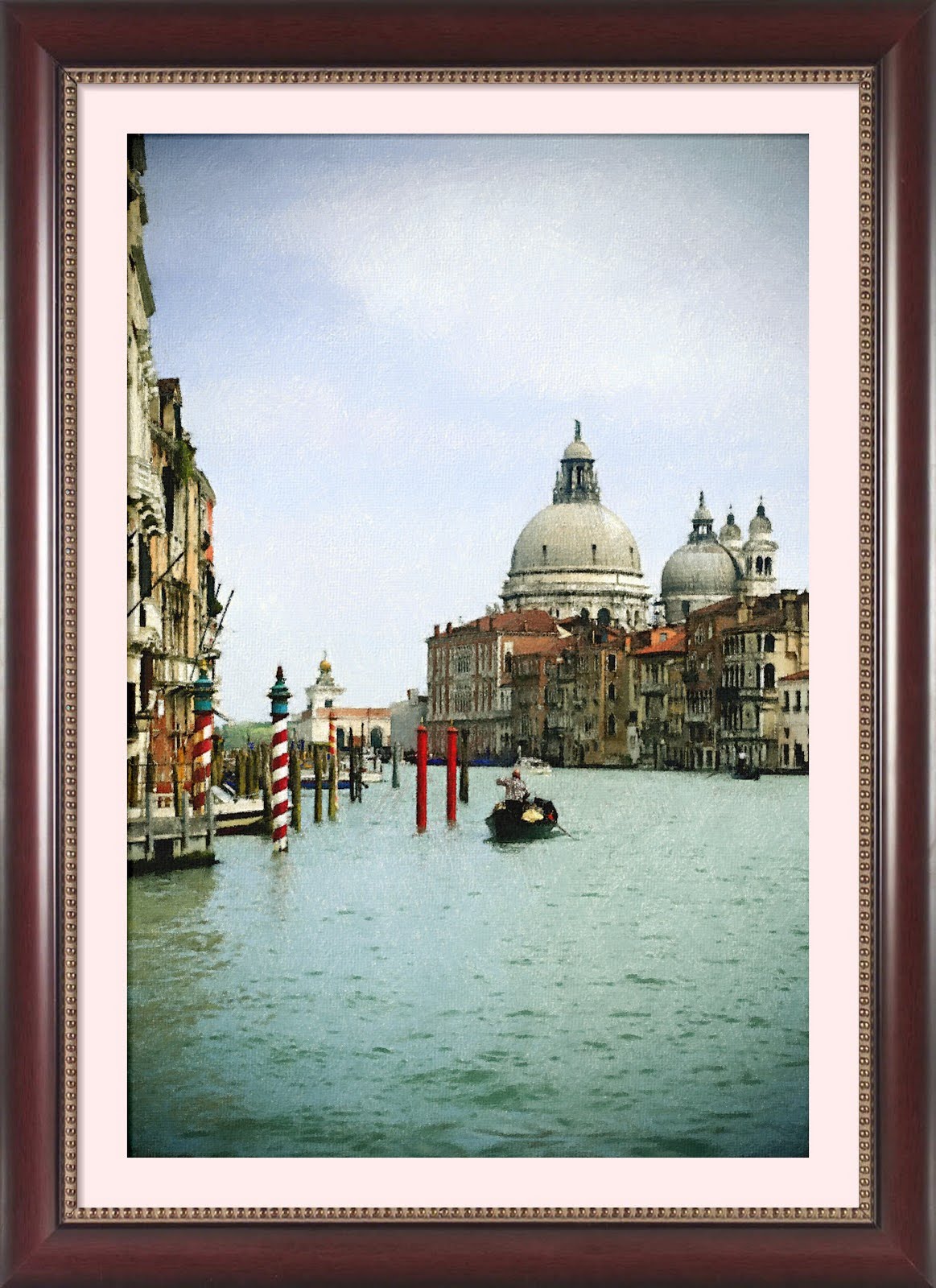
  • new realistic frames
  • maybe more...


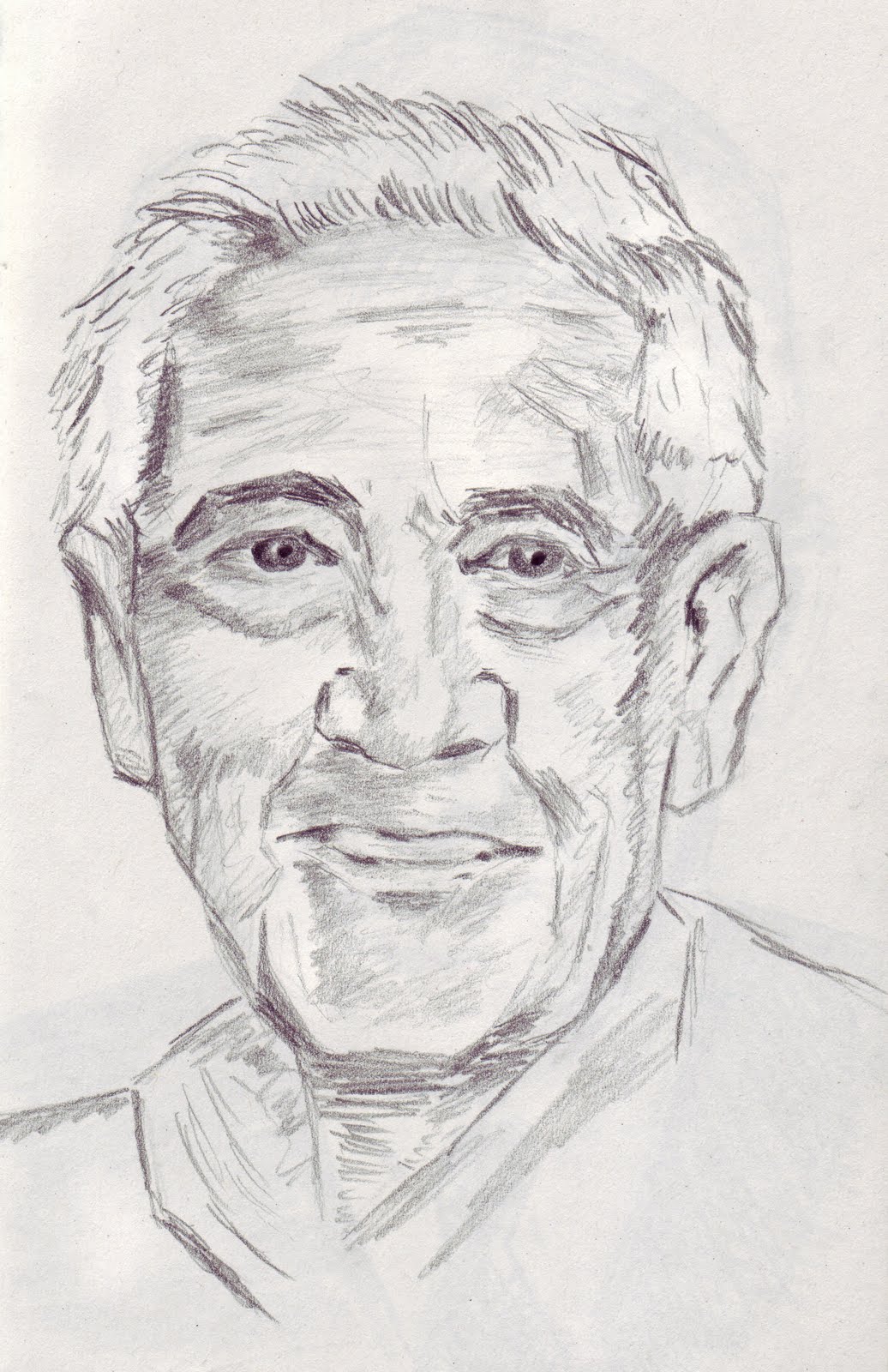
Hopefully, version 2.00 will be ready in a few weeks. In the meantime, here is one of my 'manual' sketches. It is supposed to represent Steve McQueen :-)


All the best,

David

Friday, September 24, 2010

FotoSketcher 1.98 is officially released

Hi all,

After a little tweaking (special thanks to user Kempton for his help in spotting a bug), version 1.98 of FotoSketcher is officially released.

Here are the new features and changes in this release:
- Two new cartoon effects
- Full undo/redo function
- Improved interface (with twelve different skins)
- New application and toolbar icons
- German language added (translation by Josef KASPARBAUER)
- Full PNG support
- Bug fixes

As usual, FotoSketcher can be downloaded from the official website: http://www.fotosketcher.com/


Best regards,

David

Thursday, September 23, 2010

FotoSketcher 1.98 release candidate

Hi!

At long last, after a lot of debugging and 'behind the scenes' coding, I have finally completed the latest version of FotoSketcher.

If you want to test it before everyone else, you can download it here: http://www.fotosketcher.com/FotoSketcher_beta.exe

Here are some of the changes:
- 2 new cartoon effects
- 12 different skins
- full PNG support (load and save)
- full undo/redo
- new application icon and splashscreen
- German language support

I would be very grateful if you could let me know if you find bugs (I'm bound to have let some in)!

All the best,

David

Wednesday, September 8, 2010

Still working on version 1.98...

Hi all,

I'm still busy working on version 1.98. On top of the previously mentioned new functions, there will also be one or two new effects and some improvements to the interface. Here is an early screenshot of the main form:

Stay tuned for more news soon!

Regards,

David

Thursday, July 22, 2010

FotoSketcher 1.98 early beta: full undo/redo and German language

Hi,

I've just uploaded an early beta version of FotoSketcher 1.98 (as usual, you can download it here: http://www.fotosketcher.com/FotoSketcher_beta.exe).

So, what's new? Well, no new effect yet, but a full undo/redo function (up to 255 steps!). Also, a kind FotoSketcher user from Germany, M. Josef Kasparbauer has translated all the terms into German.

Here is a screenshot with the German language selected:

If you are willing to test the new beta version, please don't hesitate to send me your feedback either on this blog or by e-mail (contact@fotosketcher.com).

Best regards from the beautiful city of Lyon,

David

Thursday, June 24, 2010

FotoSketcher 1.97 officially released

Hi all,

FotoSketcher 1.97 is now officially released and can be downloaded from http://www.fotosketcher.com/

The new feature in this version is the "Oil Pastel Sketch" effect. Here is an example (original photo credit www.sxc.hu):

And here are the parameters I used:


Have fun :-)

David

Tuesday, June 22, 2010

FotoSketcher 1.97 beta ready for download

Hi all,

If you want to try the new 'oil pastel sketch' filter, you can download the latest beta version of FotoSketcher here: http://www.fotosketcher.com/FotoSketcher_beta.exe

Here is an example of the new effect (original photo credit stock.xchng) :

And here are the settings used :

Best regards,

David

Friday, June 11, 2010

Working on new pencil sketch filter + some real drawings

Hi all,

I am currently tweaking a new pencil sketch filter. Here are two examples (click on the images to view them in full size):


I have also started taking drawing lessons and I like sketching portraits. It gives me ideas for new algorithms for FotoSketcher. Here are a couple of my early attempts:


Best regards,

David

Tuesday, June 8, 2010

New beta version for multimonitor users

Hi all,

Some users have reported issues when using FotoSketcher on multiple monitors and I have been able to reproduce the problem on my configuration: some windows tend to open on the wrong monitor or half on one monitor and half on the other...

If you have experienced this bug, you can download a beta version of FotoSketcher which should hopefully correct this: http://www.fotosketcher.com/FotoSketcher_beta.exe

I would be grateful if you could let me know whether this has solved the problem for you.

All the best,

David

P.S. Nothing to do with the bug fix, but here is portrait of late actor James Stewart (original photo credit Baron/Getty Images). I used the pencil sketch 1 filter (with maximum contrast), then used as source (F12) and applied the painting 7 (brushstrokes) filter:

Thursday, June 3, 2010

FotoSketcher tutorial on makeuseof.com

Hi all,

I am currently busy working on a rather ambitious and time consuming complete rewrite of FotoSketcher. I have already completed the new user interface and I plan to add undo/redo capability and support for layers (more info in the following weeks).

In the meantime, here is a nice FotoSketcher tutorial found on the popular website www.makeuseof.com.

Best regards,

David